A budget usually starts the same way. Someone opens banking apps, checks a card balance, glances at a few subscriptions, and realizes the month already feels messier than expected. A full finance app can sound like overkill at that point, especially when it asks for sign-up details before showing anything useful.
That's why a simple monthly budget spreadsheet template free option still works so well. It gives a clean place to list income, track spending, compare plan versus reality, and make a few corrections before the next month repeats the same pattern. Microsoft's retirement of Money in Excel pushed even more people toward template-based budgeting workflows, with Tiller noting that Microsoft recommended the Tiller Foundation Template in 2022 as a replacement for Money in Excel in its review of free monthly budget spreadsheet options at Tiller.
The good news is that there's no shortage of choice. Canva lists 14,820 budget templates, which says a lot about how common digital budgeting has become. The harder part isn't finding a template. It's picking one that matches real life, then knowing when the spreadsheet has started creating more work than it saves.
Table of Contents
- 1. Google Sheets – Monthly budget built in template
- 2. Microsoft Excel – Personal Monthly budget templates
- 3. Vertex42 – Personal Monthly Budget
- 4. Smartsheet – Free Monthly Budget Templates
- 5. Tiller – Free 50 30 20 Budget for Google Sheets
- 6. NerdWallet – Free Budget Spreadsheet
- 7. Money Under 30 – Free Monthly Budget Template
- 8. Spreadsheet123 – Personal Monthly Budget Planner
- 9. Aspire Budgeting – Free Google Sheets Budget
- 10. FinMasters – Free Monthly Budget Spreadsheet
- Top 10 Free Monthly Budget Templates Comparison
- Your Action Plan for Financial Clarity Today
1. Google Sheets – Monthly budget built in template
For anyone who wants the fastest possible start, Google Sheets is usually the easiest answer. The built-in monthly budget template removes the biggest spreadsheet headache, which is building formulas from scratch. It pairs transaction entry with a summary view, so spending and category totals update as the sheet fills in.

Why it works
The biggest advantage is convenience. It's available through Google's own template system, and sharing is simple when a partner or family member needs access through Google's template help page.
This one makes sense for people who want:
- Fast setup: Open it, rename categories, and start entering transactions.
- Shared editing: Couples can both update one file instead of passing a spreadsheet back and forth.
- Phone access: It's easier than desktop-only spreadsheets when receipts and purchases need to be logged midweek.
The trade-off is customization. The built-in summary is clean, but once someone wants deeper category logic, custom rollups, or easier imports, the sheet starts asking for more spreadsheet skill than many beginners want to use.
Practical rule: If a household needs live collaboration and already uses Google tools, this is often the best first spreadsheet to try.
It's also a good bridge tool. Once the manual entry starts feeling repetitive, many people move to an app that keeps the visibility but reduces the file management. Readers comparing lightweight options can also look at this roundup of the best free budgeting tools for a cleaner mobile workflow.
2. Microsoft Excel – Personal Monthly budget templates
Excel still feels like home for a lot of people. That matters more than feature lists. If someone already opens spreadsheets in Excel without thinking, Microsoft's own budget templates are often the least frustrating way to start.
Microsoft's template library positions free budget spreadsheets for tracking expenses, planning monthly spending, and organizing personal or business financial goals in a simple four-step flow: choose a template, replace the cell values, then save, print, or share as a PDF through Microsoft Create personal budgeting templates.

Best fit
Excel's strength is control. It works well for people who prefer local files, printable sheets, and category edits without worrying whether a browser tab was left open somewhere.
A few practical trade-offs stand out:
- Best for offline use: Strong choice for people who want a file stored locally.
- Good template variety: Personal and household formats cover common budgeting styles.
- Less smooth for collaboration: It works, but shared editing generally feels less effortless than Google Sheets.
This is one of the strongest monthly budget spreadsheet template free options for spreadsheet-native users. It's less ideal for anyone who wants low-effort syncing between two people or quick phone-first transaction capture.
A spreadsheet is great at structure. It's weaker at day-to-day capture when life gets busy.
That's often where spreadsheets stop being a budgeting tool and become a monthly cleanup project.
3. Vertex42 – Personal Monthly Budget
Vertex42 has the feel of an old reliable workshop tool. It's not trying to be flashy. It's trying to be useful, and that usually shows in the way the templates are laid out.
People who like to tweak categories, duplicate tabs, or adapt a budget over time often get along well with Vertex42. The files are built for Excel and also work well enough in Google Sheets for many households.

Where it shines
The appeal here is a solid budget-versus-actual setup without too much visual clutter. That makes it easier to understand than many decorative templates that look nice but hide the numbers that matter.
ProjectManager describes a useful spreadsheet baseline that also helps explain why tools like Vertex42 remain popular. In many budget templates, the expected structure includes fields such as description, frequency, budgeted amount, actual amount, difference, and notes, plus formulas that automatically update totals and remaining balances in ProjectManager's budget spreadsheet template guide.
That baseline matters. People switching away from spreadsheets usually don't miss the grid itself. They miss the immediate clarity of planned versus actual and the running difference.
- Strong for customizers: Good if categories will change often.
- Clear math: Variance tracking is usually the true value in a budget sheet.
- Not ideal for spreadsheet beginners: Bigger edits can get awkward fast.
Vertex42 is a better fit for someone who wants a durable spreadsheet, not just a quick starter sheet.
4. Smartsheet – Free Monthly Budget Templates
Smartsheet is useful for one reason many listicles skip. It doesn't force one budgeting style. It offers a collection, which is often exactly what someone needs when they're still figuring out whether they want a simple monthly tracker, a household layout, or a rule-based budget.

Best for comparison shopping
A lot of free template pages are too broad. Smartsheet is broad in a more useful way. It lets users compare monthly layouts quickly and see how each sheet handles category totals, charts, and projected versus actual spending in Smartsheet's monthly budget template collection.
That makes it a strong pick for people who don't yet know what kind of budget sheet they'll stick with. A college budget and a family household sheet don't need the same structure.
Some bills happen every month. Others don't. A template that only works in a perfectly regular month will break sooner than most people expect.
That's where Smartsheet is both helpful and limited. It gives range, but it still leaves the user to manage messy real-life timing. Consumer.gov's budgeting worksheet explicitly notes that some bills are monthly and some come less often, and places non-monthly expenses in an “Other expenses this month” category in its budget worksheet. A lot of spreadsheet users eventually run into that problem.
5. Tiller – Free 50 30 20 Budget for Google Sheets
Some people don't need a detailed spreadsheet yet. They need a simple rule and a clean place to apply it. That's where Tiller's free 50/30/20 budget sheet makes sense.
The format is easy to explain to a partner because the framework is already familiar. Income goes in, broad spending targets come out, and the sheet gives a quick way to check whether spending is roughly aligned.

Who should pick it
This works best for someone who hates over-categorizing. It's less useful for anyone who wants a full transaction-level system with detailed household splits.
NerdWallet's free budget template also uses the 50/30/20 framework and has users enter monthly income, expenses, savings, and debt repayment so the spreadsheet can compare spending against that rule in NerdWallet's free budget spreadsheet guide. That reinforces how common this approach has become for beginner budgets.
A few real trade-offs:
- Good for fast setup: Broad categories reduce friction.
- Good for conversations: Easier to discuss than a sheet with dozens of expense lines.
- Weak for edge cases: Irregular income, annual bills, and detailed category tracking need more than a broad split.
Households trying to map shared spending can pair this with a more practical setup process, such as this guide on how to create a household budget.
6. NerdWallet – Free Budget Spreadsheet
NerdWallet is a good pick for beginners who want guidance with the template, not just the template itself. That difference matters. A lot of people don't get stuck because the spreadsheet is hard. They get stuck because they aren't sure what to enter first.
What stands out
NerdWallet gives a simpler starting point and also points readers toward spreadsheet-native options. It notes that Google Sheets includes pre-made annual and monthly budget templates and that Sheets is free with a Google account in its budget spreadsheet resource.
That makes NerdWallet useful for readers who want light editorial guidance before they commit to a spreadsheet style. It's a better educational starting point than a power-user workbook.
- Best for first-time budgeters: The instructions are as useful as the sheet.
- Less flexible: Advanced users will outgrow it.
- Good for learning the habit: It helps someone start tracking without overthinking the setup.
StepChange also emphasizes that budgets should use monthly figures because many important bills are monthly. That logic is one reason the monthly format keeps winning for household budgeting, even when the actual cash flow isn't perfectly even.
7. Money Under 30 – Free Monthly Budget Template
Money Under 30 keeps things simple in the right way. The sheet is approachable, which matters when someone has tried more detailed spreadsheets and quit after a week.
This template suits young professionals, roommates, or couples who need a plain-language monthly tracker without much spreadsheet maintenance. It doesn't try to impress with dashboards. It focuses on getting a budget running.

A good starter choice
The strength here is low resistance. There's enough structure for monthly planning and actual spending, but not so much that editing one category breaks three formulas somewhere else.
This is often the better choice when:
- A user wants plain categories: No complicated budgeting system to learn first.
- A couple needs one shared file: Easy enough for both people to understand.
- A budget is still forming: Good for the first few months of learning spending patterns.
The downside is longevity. Once a household wants cleaner imports, faster transaction search, or less manual upkeep, the sheet starts to feel basic. That's not a flaw. It just means it's a starter tool rather than a long-term operating system.
8. Spreadsheet123 – Personal Monthly Budget Planner
Spreadsheet123 feels built for people who still like printable spreadsheets and familiar household categories. It's practical, a little old-school, and often easier to trust than more polished templates that bury the actual budget behind a lot of design.

Why some people still prefer it
This template earns its place because it handles the basics people need. Planned amounts, actual amounts, and variance are front and center. For many households, that's enough.
Smartsheet highlights monthly budget templates that compare projected versus actual spending and summarize results across categories such as housing, transportation, and personal care in its broader budget template coverage. That same core pattern explains why Spreadsheet123 remains useful. It follows the structure people already understand.
When a spreadsheet is working, updating it takes minutes. When it stops working, it usually stops because real spending no longer fits the categories or timing.
Spreadsheet123 is dependable for monthly reviews. It's less helpful for people juggling variable pay, multiple shared books, or frequent imports from statements and CSV files.
9. Aspire Budgeting – Free Google Sheets Budget
Aspire Budgeting is different from most of the templates on this list. It isn't just a monthly budget sheet. It's a budgeting system inside Google Sheets, with envelope or zero-based logic built into the workflow.
That makes it powerful, but also less forgiving. A beginner who wants a one-page monthly budget might open Aspire and feel buried. Someone who already likes assigning every dollar a job will probably see the appeal immediately.

When it clicks and when it does not
Aspire is best for intentional spenders who want stronger spending boundaries. It's not the best fit for someone who only wants a quick monthly summary.
Why people like it:
- Envelope structure: Spending gets assigned before it disappears into general checking.
- Transaction workflow: Better discipline than a loose summary sheet.
- Community support: Helpful if someone enjoys learning a system.
Why people quit it:
- Higher setup effort: It asks for commitment.
- More moving parts: Not ideal for spreadsheet-shy users.
For readers curious about envelope planning without committing fully to a complex sheet, this explanation of the cash budget envelope method can help decide whether the method fits daily life.
10. FinMasters – Free Monthly Budget Spreadsheet
FinMasters lands in a useful middle ground. It's simpler than a system like Aspire, but more structured than the most basic starter sheets. That makes it a strong choice for people who want a workable monthly budget spreadsheet template free option without having to learn a full methodology first.

Why it earns a spot
The layout is neutral, which is a bigger advantage than it sounds. Some templates lock users into rigid category names or visual styles that make editing annoying. FinMasters leaves more room to extend the sheet without rebuilding everything.
It also aligns with what many users already expect from free budgeting sheets. Budget templates have become widely accessible across major platforms, and Microsoft's template flow of choosing, editing values, and saving or sharing as PDF helped normalize budget spreadsheets as a self-service tool in everyday finance. FinMasters fits neatly into that same practical use case through its monthly budget spreadsheet page.
This is a good option for someone who wants:
- Quick setup
- Simple monthly category comparisons
- A spreadsheet that can stay simple or grow a little over time
Its main weakness is visual feedback. If charts and more app-like summaries matter, the spreadsheet may start feeling flat after the first few months.
Top 10 Free Monthly Budget Templates Comparison
| Item | Core features | UX & collaboration | Main benefit | Best for | Price |
|---|---|---|---|---|---|
| Google Sheets – Monthly budget (built-in template) | Transactions sheet, auto-updating monthly summary, prebuilt charts | Real-time collaboration, mobile access, zero setup | Fast start + shared editing | Couples, families, cloud-first users | Free (Google account) |
| Microsoft Excel – Personal/Monthly budget templates | Multiple monthly layouts, printable outputs, customizable charts | Polished desktop/web experience, less seamless real-time co-editing | Reliable, offline-ready templates | Excel power users, offline workflows | Free templates (Excel/Office may be required) |
| Vertex42 – Personal/Monthly Budget | Budget vs. actual, variance tracking, multiple file formats | Clean, easily modifiable sheets for Excel/Sheets | Trusted, flexible spreadsheet design | Spreadsheet-savvy users who customize templates | Free (downloads for Excel/Google Sheets) |
| Smartsheet – Free Monthly Budget Templates | Many layouts (50/30/20, household, college), built-in charts | One-click open in Google Sheets or download, template gallery | Wide variety to compare and pick quickly | Users who want to try multiple formats | Free templates (links to Sheets/Excel) |
| Tiller – Free 50/30/20 Budget for Google Sheets | Automatic 50/30/20 allocations, simple inputs | Minimal setup, standalone Google Sheet; paid automation optional | Quick rule-of-thumb budgeting | Users wanting simple allocation rules | Free template; paid automation optional |
| NerdWallet – Free Budget Spreadsheet | Basic monthly income/expenses, starter categories, charts | Beginner-friendly walkthroughs and tips | Guided starter kit with editorial guidance | Budget beginners seeking clear advice | Free |
| Money Under 30 – Free Monthly Budget Template | Monthly plan vs actual, simple layout, copy/download options | Plain-English instructions, Google Sheets or Excel copy | Easy to personalize and share | Young professionals, first-time budgeters | Free |
| Spreadsheet123 – Personal Monthly Budget Planner | Planned vs actual, variance calc, household categories | Classic layout, printable outputs, multi-format | Mature, printable budget planner | Users needing print-ready monthly reports | Free (XLSX/Google Sheets/ODS) |
| Aspire Budgeting – Free Google Sheets Budget (envelope/zero-based) | Envelope/zero-based flows, reconciliation, transaction workflow | Community docs, more setup and learning curve | Intentional envelope budgeting without an app | Envelope/zero-based method followers | Free (donation-supported) |
| FinMasters – Free Monthly Budget Spreadsheet | Monthly rollups, category comparisons, simple structure | Neutral, uncluttered layout; quick to start | Minimal, extendable workbook for quick use | Users who want a simple base to extend | Free |
Your Action Plan for Financial Clarity Today
A free budget spreadsheet still solves a real problem. It creates a visible plan for the month, and that alone helps many people spend with more intention. The best template is usually not the one with the most tabs or the prettiest dashboard. It's the one that still feels usable after a busy week, a surprise bill, and a few purchases that didn't fit neatly into the original plan.
For the simplest start, Google Sheets and Microsoft Excel are the safest picks. They're easy to access, familiar, and strong enough for basic monthly planning. Vertex42 and Spreadsheet123 are better for people who like practical spreadsheets with more room to tweak. Smartsheet is useful for comparing several styles before settling on one. Tiller and NerdWallet work well for people who want more guidance. Aspire is for users who want a real budgeting system, not just a tracker. FinMasters and Money Under 30 sit comfortably in the middle.
There's also a limit to what spreadsheets do well. They track monthly plans, but they don't always handle irregular bills, uneven income timing, subscription renewals, or household collaboration very gracefully. That gap shows up quickly in real life. Many free template pages focus on the download, but fewer help with the second-month problem, which is how to keep budgeting when the month doesn't behave like a neat spreadsheet.
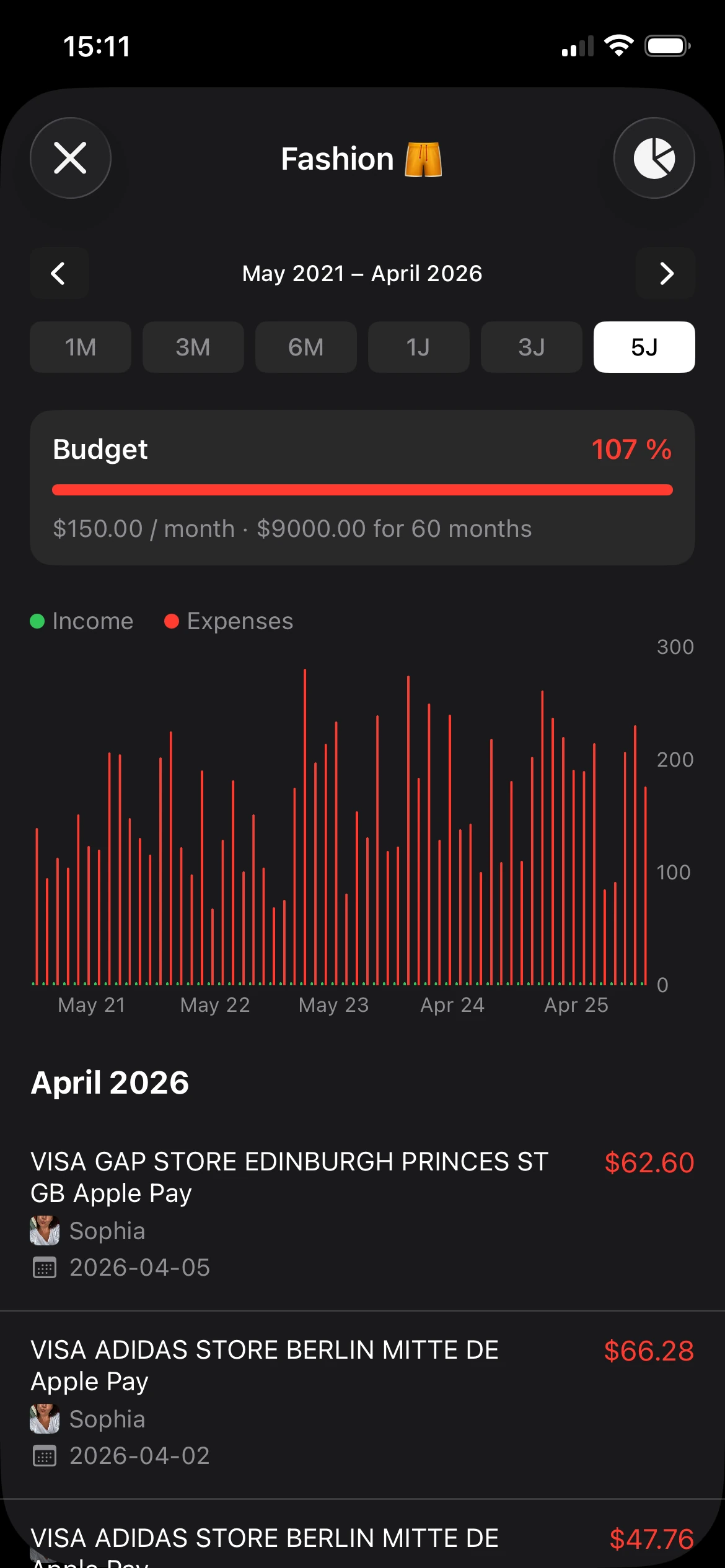
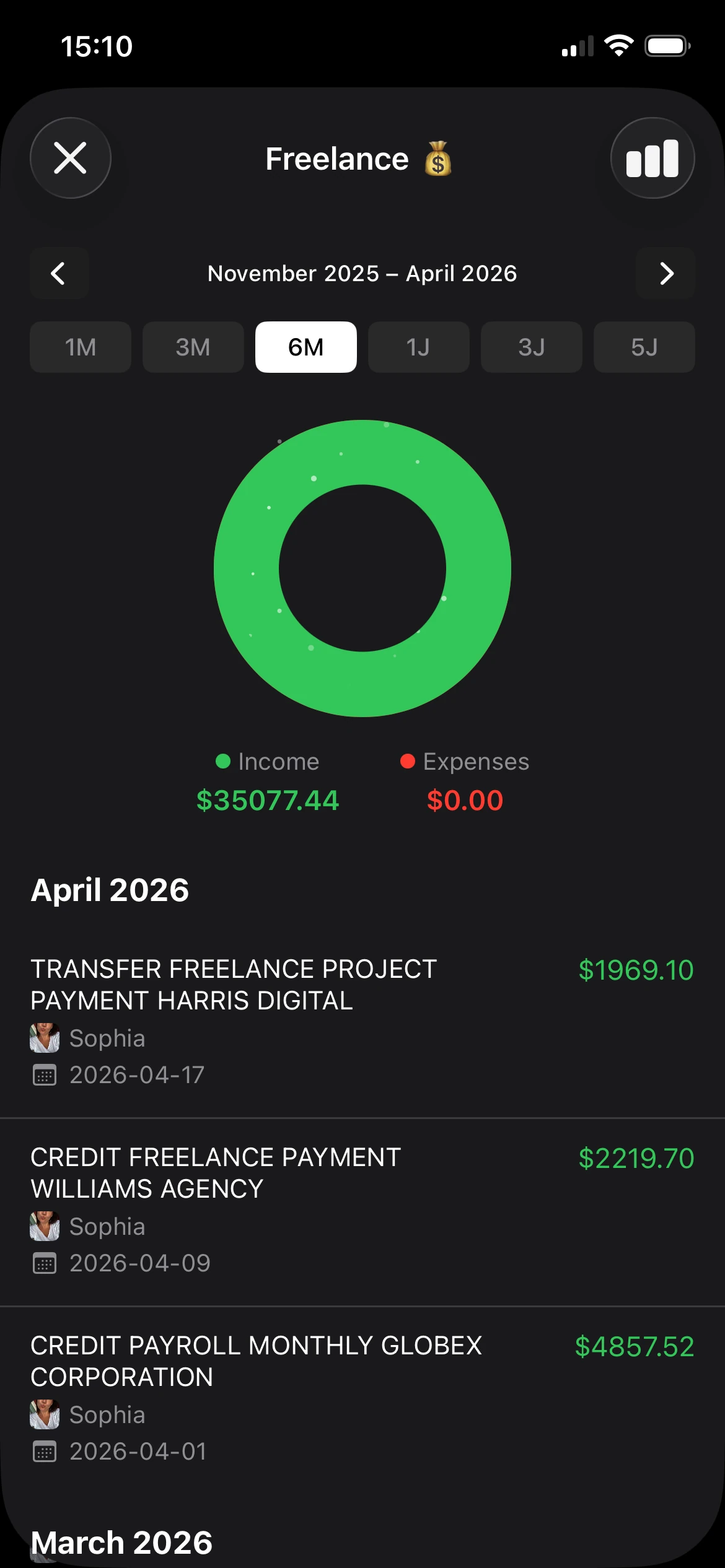
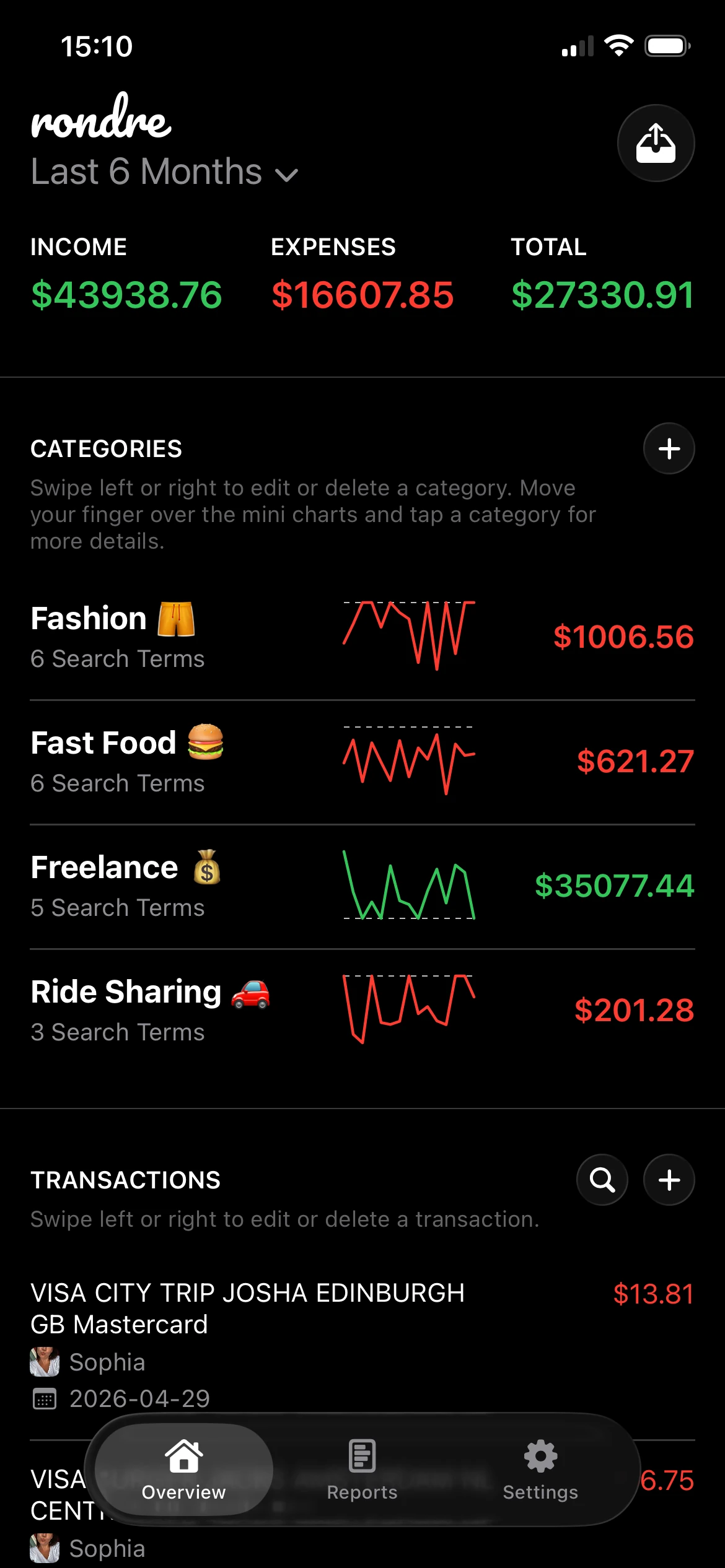
That's also where an app can start making more sense than another tab. A tool like rondre keeps the good part of spreadsheet budgeting, which is visibility and control, while removing some of the maintenance. It's especially useful for people who want to import CSV files or PDF bank statements, search transactions fast, share a book with a partner or family member, and keep everything private without creating an account. That combination is still surprisingly rare in budgeting tools, especially for shared finances.
A practical way to decide is simple. Pick one template from this list and spend the next 15 minutes setting it up with real categories from the current month. Add income, recurring bills, and the spending categories that already show up most often. Then watch what happens over the next two weeks. If the sheet feels clear and manageable, keep it. If it already feels like a chore, that's useful information too.
Starting small works better than building the perfect system.
If the spreadsheet stage has done its job and it's time for something easier to maintain, rondre is a strong next step for iPhone users who want private, free budgeting without ads, tracking, or sign-up friction. It lets users record transactions, import CSV files and PDF bank statements, organize spending with smart categories, and share a book with a partner or family, all in a cleaner mobile workflow than a manual spreadsheet.