A lot of people arrive at YNAB's credit card screen with the same feeling. The card balance looks one way in the account, the budget shows a payment category that seems to move on its own, and one grocery purchase somehow changes two places at once. It can feel less like budgeting and more like accounting homework.
That confusion is normal. Credit cards in ynab only start to make sense when the philosophy clicks first. Once that happens, the mechanics stop feeling random. They start to feel strict, a little weird, and surprisingly logical.
Table of Contents
- Understanding the YNAB Credit Card Philosophy
- Setting Up Your Credit Card Accounts Correctly
- Managing Daily Purchases Payments and Returns
- How to Reconcile Your Balances Without Losing Your Mind
- Troubleshooting Common Pitfalls and Advanced Scenarios
- Best Practices for Stress-Free Credit Card Budgeting
Understanding the YNAB Credit Card Philosophy
Why YNAB treats a credit card differently
You buy groceries on a credit card, then open YNAB and see money move to a payment category you never touched. For a lot of first-time users, that is the moment the app starts to feel strange.
The strange part has a purpose. YNAB treats a credit card as debt that should have cash waiting behind it. A purchase on the card is still spending, but it is also a promise to pay that spending back. YNAB tries to represent both parts at once.
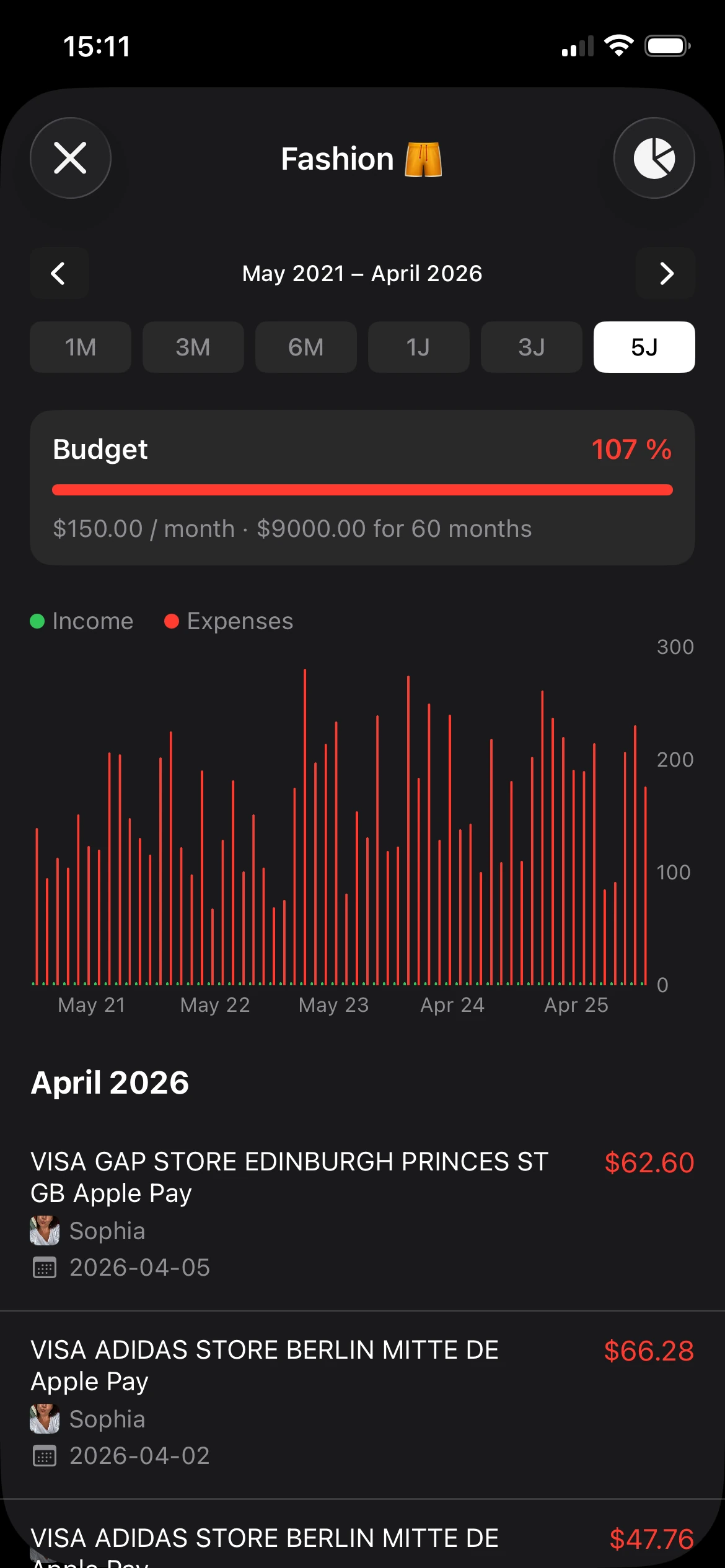
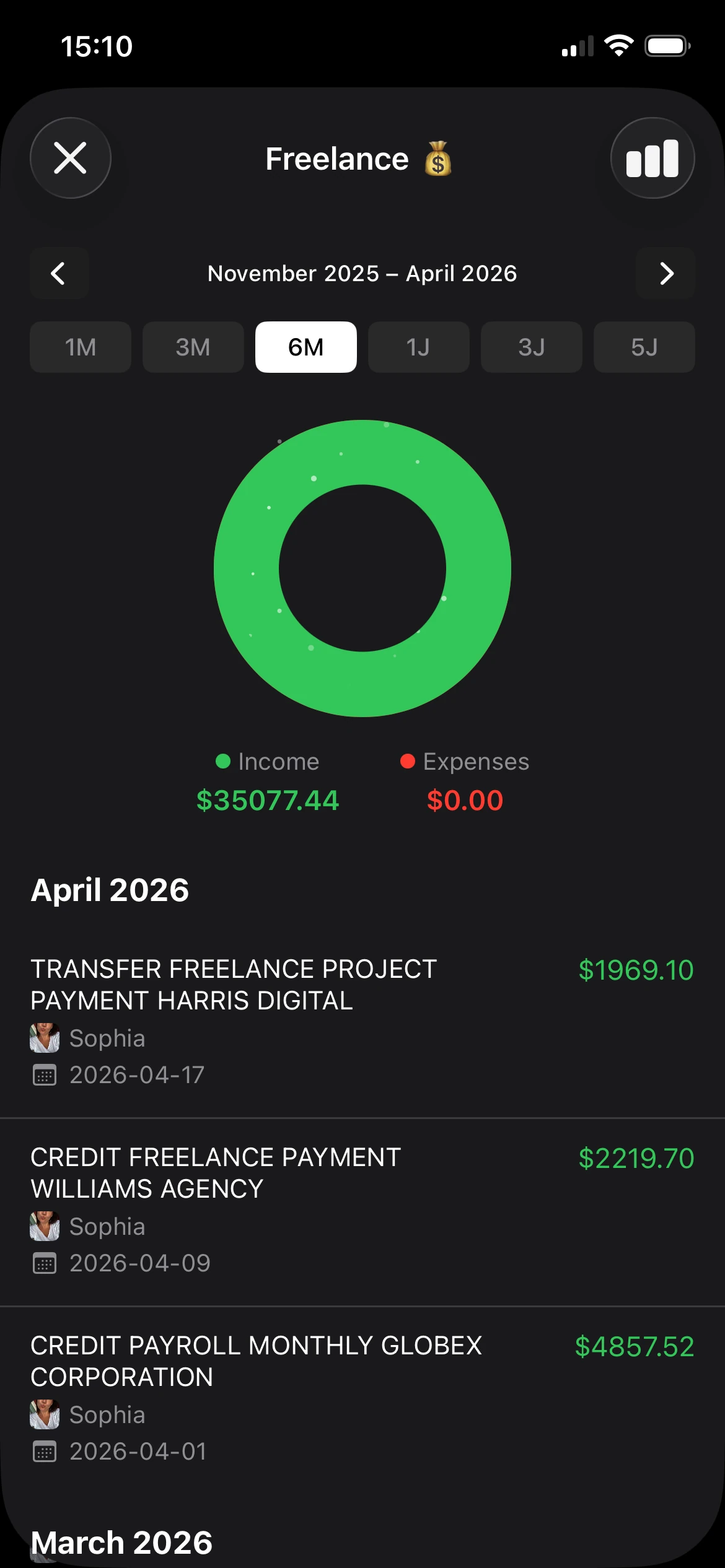
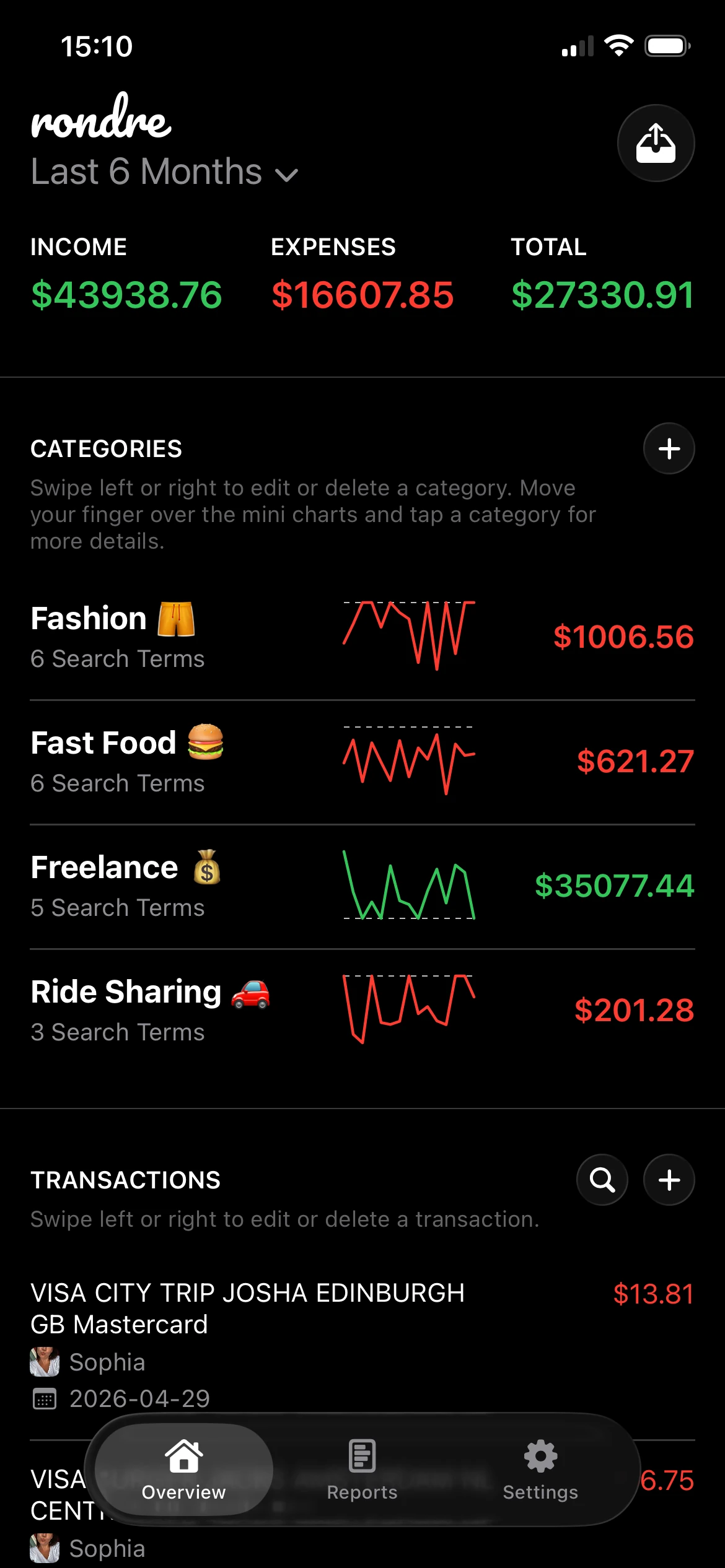
That is the philosophy many guides skip. They explain which buttons to click, but the clicks only make sense after the idea makes sense. YNAB is more prescriptive than a simpler tracker. An app like rondre can be easier if you mainly want to record spending and keep a flexible overview. YNAB asks for a stricter system. In return, it tries to make sure card spending does not unknowingly turn into surprise debt.
When you add a credit card account, YNAB creates a Credit Card Payments category group. Then, if you make a budgeted purchase on the card, YNAB moves the matching dollars from the spending category to the card payment category. The purchase increased what you owe. The budget responds by setting aside cash for the future payment.
That single move is the whole idea.

Practical rule: In YNAB, a credit card swipe should change how money moves, not whether the money exists.
The envelope analogy that makes it click
Here is the plain version. If you have $100 budgeted for groceries and spend $20 at the store, your grocery category should drop to $80 whether you used debit or credit. The groceries were bought either way.
The difference is where the cash sits after the purchase.
With debit, the cash leaves your bank account right away. With credit, the bank account has not paid the store yet, so YNAB parks that $20 in the Credit Card Payment category. The job of those dollars has changed. They are no longer grocery dollars waiting to be spent. They are card payment dollars waiting for the bill.
That is why YNAB can feel like it is showing the same purchase twice. It is not duplicating the purchase. It is showing the purchase and the reserved repayment plan side by side.
A short version looks like this:
| Step | What happened | What YNAB does |
|---|---|---|
| Purchase | Groceries were bought on the card | Reduces Groceries |
| Reserve | Cash still needs to pay the card later | Increases Credit Card Payment |
| Payment | Card bill is paid | Moves cash from bank account to card account |
If that still feels awkward, that is normal. Credit cards blur the timing of spending. YNAB tries to remove that blur by saying, “If you spent the money today, set aside the payoff money today too.”
Once that clicks, the system gets much calmer. If it never clicks, that is useful information too. Some people do better with a simpler app that tracks spending without asking them to follow YNAB's tighter rules.
Setting Up Your Credit Card Accounts Correctly
Setup is where a lot of future frustration begins. A card that starts clean behaves very differently from a card that already carries debt. YNAB can handle both, but they shouldn't be treated the same way.

Two starting situations that matter
A new or fully paid card is the easier path. If the card balance is zero when it's added, new spending can usually flow through YNAB's system cleanly. Budget money to categories, use the card for a purchase, and let YNAB reserve the payment cash automatically.
A card with an existing balance needs more care. That older balance is past spending that wasn't fully backed by current budget cash. It won't magically become funded just because the account is added.
These are the two situations to identify before entering anything:
- Zero-balance card: Best for learning the system. New purchases and future payments tend to line up cleanly.
- Card with existing debt: Needs a deliberate payoff plan. The starting balance represents money already owed.
- Recently used but paid-in-full card: Usually manageable, but only if enough cash already exists to cover the full balance when payment time comes.
What to watch during setup
During setup, the key task is honesty. The starting balance should match reality, even if reality is annoying.
A helpful checklist:
- Choose the account type correctly: Add it as a credit card account, not a generic cash account.
- Enter the starting balance: If there's an existing balance, let it appear as debt in the account.
- Check the auto-created payment category: YNAB should create the credit card payment area on its own.
- Decide on import style: Linked import can save time. Manual entry gives tighter control and more privacy.
- Avoid “fixing” the numbers with fake categories: Temporary workarounds create bigger confusion later.
A clean setup is less about perfection and more about not hiding the debt.
People often get nervous when the starting card balance appears negative. That reaction makes sense. It looks harsh on screen. But it's useful because it separates the old debt from future spending.
For a card carrying a balance, the budget needs to decide how much cash can be assigned toward paying that older debt. That assignment is separate from regular categories like groceries, fuel, or subscriptions. If those ideas get mixed together on day one, the first month gets messy fast.
A simple way to think about it is this:
- Add the card with the true balance.
- Let YNAB show that debt accurately.
- Assign money toward repayment if cash is available.
- Keep normal spending categories for future purchases separate from that old balance.
That last point matters. Existing debt is yesterday's problem. New purchases are today's choices. YNAB works best when those two are not blurred together.
Managing Daily Purchases Payments and Returns
Daily use is where credit cards in ynab either become routine or become irritating. The difference usually comes down to whether each transaction is entered with the right job.
A simple month in real life
Take a common example. A household budgets money to Groceries, then buys groceries on a credit card. In the account register, the purchase increases the card balance. In the budget, the grocery category drops, and YNAB moves that same amount into the card payment category.
That movement is the part that surprises new users. It can look like money disappeared from one category and reappeared somewhere else for no reason. But the reason is simple. The food was already paid for in the budget. The cash just changed waiting rooms.
A normal month with one card tends to look like this:
- Budget categories first. Groceries, fuel, dining, bills, or whatever categories the household uses.
- Enter a purchase on the credit card. The transaction gets the spending category, not the payment category.
- Watch the payment category rise. That's the cash being reserved behind the card balance.
- Pay the card from checking. This should be recorded as a transfer between accounts, not new spending.
The payment step matters. If the payment is entered like an expense instead of a transfer, the budget can start looking wrong in a hurry.
For people who struggle to stay on top of due dates while doing all this, a separate bill-tracking routine can help. A guide to the best app for bill tracking can complement YNAB's budgeting logic by making upcoming payments easier to see.
How returns should flow back through the budget
Returns confuse people because they reverse the direction of the original purchase.
If a store refund goes back to the credit card, the card balance drops. In the budget, the return should usually go back to the original spending category. That restores category money that had previously been spent.
A return is not income in the usual sense. It's more like undoing an earlier decision.
Consider these situations:
- Returned groceries: The refund should typically go back to Groceries.
- Canceled household order: The refund should usually restore the Household category.
- Statement credit or card reward: This may need special handling depending on how the card issuer applies it and how the budget is being maintained.
If a purchase reduced a category, a true refund usually belongs in that same category.
One more wrinkle appears with timing. A purchase may happen near the end of the month, but the refund may arrive later. That delay can make the payment category look temporarily odd. Usually the safest move is to record what happened, in the month it happened, and then verify that the category and card balance both reflect reality.
The system feels less mysterious when each event gets a simple label. Purchase. Payment. Refund. Each one affects a different part of the budget for a different reason. Once those roles are clear, day-to-day use becomes a repetitive habit instead of a puzzle.
How to Reconcile Your Balances Without Losing Your Mind
Reconciliation is where trust is built. A budget can feel polished and still be wrong. Credit cards make this more obvious because the account balance and the payment category both need to make sense at the same time.

The two numbers that should make sense together
For a card that's being paid in full, two figures should feel closely connected:
- The card account balance: What is owed on the credit card right now.
- The payment category available amount: The cash YNAB says is ready to pay that card.
When those numbers line up, the budget is doing its job. The household can pay the card without stealing money from rent, groceries, or something else.
When they don't line up, the mismatch usually means one of a few things. A purchase wasn't categorized correctly. A payment was entered as spending. A return didn't go back to the right category. Or old debt and current spending got blended together.
A simple checkup table helps:
| Number | Where to look | What it means |
|---|---|---|
| Card balance | Credit card account | Amount currently owed |
| Payment available | Budget payment category | Cash reserved to pay the card |
| Bank balance | Checking account | Cash that will actually fund payment |
A calm checklist for finding the mismatch
A mismatch doesn't mean the whole budget is broken. It usually means one transaction needs attention.
This checklist helps narrow it down:
- Check recent payments first: A payment should usually be a transfer from checking to the card account.
- Review overspent categories: If a credit card purchase was made in a category without enough money, the payment category may not have enough cash behind it.
- Look for refunds entered oddly: A refund sent to the wrong category can distort both spending and payment readiness.
- Confirm the starting balance logic: If the card began with debt, the payment category won't automatically equal the full card balance unless cash was assigned for that old debt.
- Reconcile against the bank and card records regularly: Small errors are easier to fix than a month of mystery.
People often discover that the problem isn't the card at all. It's the spending category behind the card. If a category was overspent, YNAB didn't have cash to move into the payment category. The card balance still grew, but the budget cash didn't.
That's why recurring reviews of irregular spending help so much. A household that plans for car repairs, school costs, gifts, or travel tends to get fewer nasty surprises. A guide to non-recurring expenses can help identify those categories before they create payment gaps.
Reconciliation gets easier when the question changes from “Why is YNAB wrong?” to “Which transaction changed reality?”
A good rhythm is simple. Reconcile the account register. Compare the card balance with the payment category. Then fix the earliest mismatch, not the latest symptom. That approach keeps the process boring, which is exactly the desired outcome for a budget.
Troubleshooting Common Pitfalls and Advanced Scenarios
You make a grocery run on a card you are also trying to pay off. Then interest posts. Then a statement credit appears. Then the payment category no longer matches what you expected, and it starts to feel like YNAB is speaking a private language.
That feeling is normal.
This part gets confusing because YNAB is not just tracking a card balance. It is also trying to answer a second question at the same time: how much cash is ready to pay that balance? Once you separate those two ideas, the weird cases start to make more sense.
The biggest trap with existing debt
The messiest setup is one card doing two jobs. It holds old debt from the past, but it is also being used for new spending today. YNAB can represent that accurately. It just becomes harder to read.
A common recommendation is to stop putting new purchases on the card that carries revolving debt, at least for a while. The reason is simple. Old debt and new budgeted spending follow different rules inside YNAB. Old debt needs intentional payoff money assigned to the payment category. New purchases can move money there automatically, but only if the spending category had cash first.
Mix those together and progress gets blurry. You may pay the card and still feel stuck because part of the payment is covering last month, part is covering this week, and interest keeps changing the target.
A cleaner setup usually looks like this:
- Pause new nonessential charges on the debt card: This makes payoff progress easier to see.
- Use debit, cash, or a different paid-in-full card for current spending: New purchases stay tied to money you already have.
- Create a category for interest and fees: Interest is a real expense, not a mystery adjustment.
- Assign the planned payoff amount on purpose: Treat the debt payment like rent or insurance. It needs a job in the budget.
If that feels strict, it is because YNAB is strict here. That structure helps many households, but it also shows YNAB's personality. It prefers a precise, rule-driven method. Some people want that. Others want a simpler tracker with fewer moving parts, and a free YNAB alternative for simpler budget tracking may fit better.
Messy situations that confuse almost everyone
Credit overspending is the first one.
If you spend $60 on a card in a category that only had $20, the card balance still rises by $60. But only $20 of cash exists in the budget to support that purchase. YNAB cannot set aside money you do not have. So the payment category ends up short, and the gap has to be covered by moving money from another category or assigning new income.
Interest is another common source of confusion. People sometimes expect it to behave like part of the original purchase. It does not. Interest is its own expense, more like a monthly fee for carrying the balance. Giving it a dedicated category keeps the budget honest and makes payoff progress easier to judge.
Rewards and statement credits can be oddly shaped too. Sometimes they reduce the card balance without touching your spending categories in the way you expect. Sometimes they behave more like income, and sometimes more like a discount on prior spending. The important part is consistency. If cashback usually gets treated one way in your budget, keep handling it that way unless there is a clear reason to change.
Refunds can also create strange-looking numbers, especially if the refund lands in a different month than the purchase. In plain English, a refund is money coming back through the card system. In YNAB terms, the details matter. Which category gets the refund, and whether that category still exists in your current month, can change what happens to the payment category.
Advanced scenarios where the philosophy matters more than the steps
International users often run into a different kind of friction. Many YNAB tutorials assume a fairly standard U.S. credit card pattern: swipe now, carry a balance or pay in full, then send a payment from a checking account on a predictable rhythm.
Real life is wider than that.
Some cards act more like charge cards. Some require unusual repayment timing. Some involve foreign transaction quirks, delayed posting, or fee structures that make the usual YNAB examples feel slightly off. In those cases, following steps by memory is less helpful than asking what the card is doing in your financial life.
That question clears up a lot:
- If the card is mainly a payment tool, focus on making sure purchases are backed by cash in their categories.
- If the card is mainly debt, focus on assigning money directly for payoff and tracking interest separately.
- If the card works like a short-term pass-through account, pay close attention to timing, reimbursements, and how statement credits are recorded.
This is the philosophy piece many guides skip. YNAB's method is prescriptive on purpose. It wants each dollar to have a clear job, and it wants credit card payments to be supported by real cash, not good intentions. That can be powerful once it clicks. It can also feel like too much ceremony if your main goal is to track spending clearly.
Sometimes the right conclusion is that the setup needs one small fix. Sometimes the right conclusion is that the tool is asking you to model your card in a way that does not match real life. Both are useful answers.
When things stop lining up, return to the basics. What is the card balance? How much cash is reserved to pay it? What kind of transaction changed one without changing the other? That question usually points to the actual problem faster than staring at the payment category and hoping it starts to look friendly.
Best Practices for Stress-Free Credit Card Budgeting
Once the mechanics begin to make sense, the core challenge changes. It stops being “How does YNAB do this?” and becomes “How can a household keep this from turning into maintenance work every week?”
The habits that keep the system calm
The best habits are small and repetitive.
- Enter or approve transactions often: Fewer surprises show up at payment time.
- Check spending categories before swiping: A funded category makes the card workflow smoother.
- Review the payment category before paying the bill: The available amount should support the payment being sent.
- Separate debt payoff from normal spending: Old balances and current purchases shouldn't compete for the same explanation.
- Keep interest visible: Hiding it inside other categories makes progress harder to judge.
People who use credit cards in ynab successfully usually stop treating the payment category as a weird app feature. They start treating it as a holding area for already-claimed cash.
The payment category is the bridge between “spent on the card” and “ready to pay.”
When a simpler system may fit better
Not every household wants that bridge. Some people want strong budgeting rules and don't mind the extra structure. Others want clear transaction tracking, shared visibility with a partner, and a fast way to see where money went.
That difference matters even more for international users. YNAB's own support material leaves room for interpretation outside the common U.S. model. As noted in YNAB's overview of handling credit cards, many tutorials assume U.S.-style revolving cards and don't fully address local differences such as foreign-currency spending, fee structures, or cards used more like charge cards.
For someone who keeps bouncing off YNAB's prescriptive system, a simpler tracker may be a better fit than forcing the method. A comparison with a free YNAB alternative can help clarify whether the goal is strict envelope-style budgeting or flexible expense tracking.
A practical health check for today is short:
- Open the card account and verify the balance.
- Open the payment category and see if the reserved cash makes sense.
- Look at the last few card transactions for any wrong categories or odd payments.
- Decide whether the card is being used as a payment tool, a debt payoff account, or both.
If those answers are clear, the budget is probably healthier than it feels. If they aren't, the confusion usually has a specific cause, and that cause can be fixed.
rondre is a good fit for people who want a simpler way to track money without YNAB's credit card machinery. It's a free iPhone app with no ads, no tracking, and no account required. Users can record income and expenses, build smart categories with custom search terms, import CSV files and PDF bank statements, share a book with a partner or family, and search transactions instantly. Anyone who wants a clean, private off-ramp can try rondre and do one practical thing today: review the last five credit card transactions and make sure each one has the right category and a clear purpose.