Um saldo corrente é o total continuamente atualizado numa conta. Mostra o novo saldo depois de cada transação individual ser contabilizada. Se uma conta começa com 500 $, um depósito de 100 $ eleva o saldo corrente para 600 $, e um levantamento de 25 $ reduz esse saldo para 575 $.
Isto parece simples, mas é também aqui que começa muito stress financeiro. Uma pessoa abre a app bancária, vê um número que parece seguro, compra alimentos ou paga combustível com cartão, e mais tarde descobre que a conta está mais apertada do que esperava. A parte confusa geralmente não é a matemática. É saber que saldo diz a verdade naquele momento.
Um saldo corrente ajuda porque transforma a atividade da conta numa história clara, em vez de uma única fotografia. Cada transação altera o total, linha a linha, como uma contagem contínua num quadro branco. Assim que isso fica claro, torna-se muito mais fácil detetar erros, evitar gastar com base no número errado e compreender porque é que uma app bancária pode mostrar dois saldos que não coincidem.
Índice
- Porque é que o seu saldo bancário pode ser enganador
- O conceito central de saldo corrente explicado
- Como calcular o seu saldo corrente passo a passo
- Saldo corrente vs. saldo disponível: a diferença essencial
- Juntar tudo: acompanhamento com rondre
- Perguntas frequentes e conclusão prática
Porque é que o seu saldo bancário pode ser enganador
Consulta a sua app bancária antes de comprar alimentos. O saldo parece estar bem, por isso paga com cartão sem pensar muito. Mais tarde nesse dia, uma conta é debitada, uma cobrança pendente é contabilizada ou um depósito chega mais tarde do que esperado, e de repente o dinheiro que pensava ter nunca esteve realmente livre para gastar.
Essa confusão geralmente começa com um erro: tratar o saldo no topo do ecrã como se fosse o mesmo que dinheiro disponível para gastar.
O seu saldo bancário é uma fotografia. As suas decisões financeiras do dia a dia precisam de uma linha temporal.
Uma lista de transações funciona como uma contagem contínua num quadro branco. Cada nova linha altera o que resta depois dela. Ver a sua conta desta forma ajuda a perceber porque o número principal pode ser enganador, especialmente quando pagamentos ainda estão pendentes, depósitos ainda não foram contabilizados ou várias contas entram quase ao mesmo tempo.
O número principal pode esconder a verdadeira história
O número grande na sua app é útil, mas isoladamente está incompleto. Pode refletir atividade contabilizada, fundos disponíveis ou uma combinação de regras temporais que não são óbvias até olhar para a lista de transações por baixo.
Essa lista dá contexto. Pode ver o que já foi compensado, o que alterou o saldo e em que ordem aconteceu. Isto importa porque as decisões sobre dinheiro acontecem em sequência, não como uma única soma global.
Um extrato bancário mostra isto claramente. Se quiser ajuda para ler essas linhas e colunas de saldo, este guia sobre como ler claramente um extrato bancário torna a estrutura muito mais fácil de acompanhar.
Porque isto importa na vida real
Muitos guias param demasiado cedo. Definem o saldo, mas não explicam a parte que afeta decisões reais de despesa. Um saldo pode estar correto como registo de atividade contabilizada e, ainda assim, ser uma má referência para o que pode gastar com segurança neste momento.
Essa diferença aparece em momentos comuns:
- Antes de uma compra: precisa de saber o que já foi contabilizado e o que ainda está à espera em segundo plano.
- Quando contas entram muito próximas: a ordem das transações pode alterar a margem que realmente tem.
- Durante a revisão da conta: ver o saldo mudar linha a linha facilita a deteção de erros, cobranças duplicadas e depósitos atrasados.
É por isso que acompanhar o seu dinheiro como uma contagem corrente é tão útil. Mostra o que aconteceu, por ordem, em vez de lhe dar um número isolado e deixá-lo adivinhar o resto.
E esse é o ponto prático. Um saldo bancário pode parecer tranquilizador, mas uma visão corrente das suas transações ajuda-o a decidir se o dinheiro está realmente disponível para usar.
O conceito central de saldo corrente explicado
Um saldo corrente é o saldo depois de cada transação ser registada, não apenas o número que vê no fim do dia ou do mês. Mantém uma contagem atualizada do que foi contabilizado até agora. Se escrevesse a atividade da sua conta num quadro branco e atualizasse o total sempre que entrasse ou saísse dinheiro, estaria a olhar para um saldo corrente.

A ideia é simples, mas a utilidade é maior do que a definição. Um saldo corrente mostra a história do seu dinheiro em sequência. Depois de cada depósito, compra, transferência ou pagamento de conta contabilizado, o total muda e torna-se o ponto de partida para a linha seguinte.
Essa sequência importa.
Se começa com 500 $ e depois um depósito de 100 $ é contabilizado, o seu saldo corrente passa a 600 $. Se uma compra de 25 $ for contabilizada a seguir, o saldo passa a 575 $. Cada nova linha depende da linha anterior. Não está a recalcular tudo do zero de cada vez. Está a transportar o total atualizado para a frente.
É também por isso que um saldo corrente pode estar correto e, ainda assim, não corresponder ao que parece seguro gastar. Ele reflete atividade contabilizada. A vida real inclui muitas vezes transações que ainda não foram totalmente contabilizadas, como autorizações de cartão, contas pendentes ou depósitos ainda em processamento. Essa diferença é onde muitas pessoas se confundem. O saldo corrente é um registo do que foi aplicado à conta até agora, enquanto o dinheiro realmente disponível para gastar pode ser menor.
A ordem também importa por outro motivo. As mesmas transações podem criar uma imagem financeira diferente dependendo de quando são contabilizadas. Um salário que chega antes de uma conta dá-lhe mais margem do que o mesmo salário a chegar depois. Os valores são idênticos. O momento muda a decisão que pode tomar nesse dia.
Ferramentas como folhas de cálculo e apps de orçamento acompanham isto linha a linha porque o método é muito prático. Numa folha de cálculo, cada linha baseia-se na linha acima. Se mantém os seus próprios registos, um modelo mensal de folha de orçamento para acompanhar rendimentos e despesas pode tornar esse padrão muito mais fácil de ver.
Regra prática: um saldo corrente só é tão fiável quanto a ordem e a completude das transações por trás dele.
Este é o conceito central. Um saldo corrente é um total contínuo atualizado entrada por entrada. Assim que entende isso, torna-se muito mais fácil perceber porque o seu saldo bancário e o valor seguro para gastar nem sempre são iguais.
Como calcular o seu saldo corrente passo a passo
A matemática por trás de um saldo corrente é simples. Comece com um saldo inicial, depois some rendimentos e subtraia despesas na ordem exata em que cada transação é contabilizada.

Um exemplo simples
Este exemplo usa os mesmos números iniciais já apresentados e depois acrescenta mais uma transação para tornar o padrão fácil de acompanhar.
| Transação | Cálculo | Saldo corrente |
|---|---|---|
| Saldo inicial | Início em 500 $ | 500 $ |
| Depósito contabilizado | 500 $ + 100 $ | 600 $ |
| Levantamento contabilizado | 600 $ - 25 $ | 575 $ |
| Pagamento de conta contabilizado | 575 $ - valor da conta | Novo total depois dessa linha |
A parte importante não é o último valor da conta. É o padrão. Cada linha começa com o saldo da linha anterior.
Um saldo corrente segue sempre esta mesma lógica:
- Começar com o saldo inicial
- Somar depósitos e rendimentos quando forem contabilizados
- Subtrair compras, transferências e pagamentos quando forem contabilizados
- Transportar o novo total para a linha seguinte
É só isto. Aritmética simples, repetida por ordem.
Porque as apps conseguem atualizá-lo instantaneamente
As pessoas assumem muitas vezes que um saldo está guardado como um número fixo em algum lugar. Em muitos sistemas bancários, não é assim que o saldo corrente é mostrado. Muitas vezes, ele é calculado dinamicamente a partir do histórico de transações, por isso pode mudar instantaneamente quando novas entradas são criadas ou filtros são aplicados, como mostra esta explicação sobre saldos correntes no Business Central.
Esse detalhe explica muitos comportamentos do dia a dia em apps financeiras:
- Nova transação adicionada: o saldo visível muda imediatamente.
- Filtro de data alterado: o saldo corrente pode ser recalculado apenas para esse conjunto de lançamentos.
- Outra conta selecionada: um fluxo de transações diferente cria um total corrente diferente.
Quem ainda mantém um orçamento numa folha de cálculo também pode comparar isto com um modelo mensal de orçamento gratuito. A folha de cálculo faz a mesma tarefa básica, apenas com estrutura manual em vez de uma interface de app.
Quando a lista de transações está limpa e completa, o saldo corrente torna-se uma das formas mais rápidas de compreender o que aconteceu ao dinheiro.
Saldo corrente vs. saldo disponível: a diferença essencial
Muito stress financeiro começa aqui. Abre a sua app bancária, vê um saldo que parece bom, compra alimentos e depois recebe uma taxa de descoberto na manhã seguinte. A parte confusa é que a app mostrou mesmo dinheiro na conta. O problema foi o saldo que estava a consultar.

O que cada saldo realmente mostra
Um saldo corrente é a contagem contínua das transações contabilizadas. Funciona como um quadro branco em que cada depósito liquidado aumenta o total e cada pagamento liquidado o reduz. É muito bom para responder à pergunta: “Como cheguei a este número?”
Um saldo disponível responde a uma pergunta diferente. Está mais perto de: “O que posso gastar com segurança agora?” Os bancos podem reduzi-lo antes de uma transação ser totalmente liquidada devido a compras com cartão pendentes, retenções temporárias ou transferências já em curso. Essa diferença explica porque uma app bancária pode mostrar dois números válidos ao mesmo tempo. A Scotiabank explica essa diferença na sua nota sobre como funciona a funcionalidade de saldo corrente.
| Tipo de saldo | O que reflete | Melhor uso |
|---|---|---|
| Saldo corrente | Atividade contabilizada em sequência | Rever o histórico da conta e perceber para onde foi o dinheiro |
| Saldo disponível | Dinheiro que pode estar disponível agora após itens pendentes ou retenções | Decidir se deve fazer uma compra hoje |
Porque esta diferença apanha as pessoas desprevenidas
Aqui está um exemplo muito comum.
Jordan consulta a app bancária antes do jantar. O saldo corrente mostra 420 $. Isso parece seguro. Mais cedo nesse dia, Jordan pagou 110 $ na bomba de combustível, mas a cobrança final ainda não foi contabilizada. A estação aplicou uma retenção temporária em vez disso. Também há uma conta de streaming programada para sair durante a noite.
Então Jordan gasta 380 $ em algumas compras e numa ida maior ao supermercado, confiando no número que parecia disponível à primeira vista.
Na manhã seguinte, a retenção da bomba de combustível e a conta reduzem o valor que realmente estava disponível para gastar. A conta fica abaixo de zero, embora Jordan nunca tenha sentido que estivesse a ser imprudente. O saldo corrente mostrava a história contabilizada até então. O saldo disponível era o número mais seguro para essa decisão de despesa.
Esta é a parte que muitos guias deixam de fora. Um saldo corrente é útil, mas nem sempre é igual ao seu limite real de gasto no dia a dia.
Uma forma simples de lembrar
Use o saldo corrente para ler o histórico.
Use o saldo disponível para tomar a próxima decisão.
Este hábito é ainda mais importante em finanças partilhadas. Um parceiro pode passar o cartão, uma transferência pode continuar pendente ou um comerciante pode aplicar uma retenção que ainda não se tornou uma linha final contabilizada. Se olhar apenas para o saldo corrente, a conta pode parecer mais saudável do que o dinheiro realmente disponível para gastar.
Para decisões financeiras do dia a dia, muitas pessoas mantêm a sua própria lista de transações num tracker de finanças pessoais como rondre, para poderem comparar o que foi contabilizado, o que está pendente e o que ainda vai sair. Essa visibilidade extra ajuda a fechar a distância entre o número no ecrã e o dinheiro que é seguro usar.
Alguns sistemas contabilísticos acrescentam outra camada de confusão ao mostrar entradas futuras ou não conciliadas numa vista, enquanto tratam o valor disponível para hoje de forma diferente. Na prática, isso significa que o saldo corrente deve ser visto sobretudo como uma vista de registo. O saldo disponível é normalmente o número mais seguro antes de usar o cartão.
Juntar tudo: acompanhamento com rondre
Um saldo corrente torna-se muito mais útil quando todas as transações vivem numa lista limpa. É aí que as ferramentas de acompanhamento ajudam. Em vez de consultar apps bancárias dispersas, notas em papel, alertas por mensagem e memórias, uma pessoa pode manter rendimentos e despesas juntos em ordem cronológica e deixar o saldo contar a história.

O que muda com uma lista de transações limpa
Um tracker útil não precisa de ser complicado. Só precisa de tornar a sequência evidente.
É por isso que muitas pessoas preferem um único lugar onde possam:
- Adicionar transações manualmente: útil para gastos em dinheiro ou compras rápidas com cartão.
- Importar dados bancários: útil quando ficheiros CSV ou extratos bancários PDF precisam de ser reunidos num único registo.
- Pesquisar rapidamente: útil para verificar se um pagamento já aconteceu.
- Usar categorias de forma consistente: etiquetas melhores tornam o saldo mais fácil de interpretar.
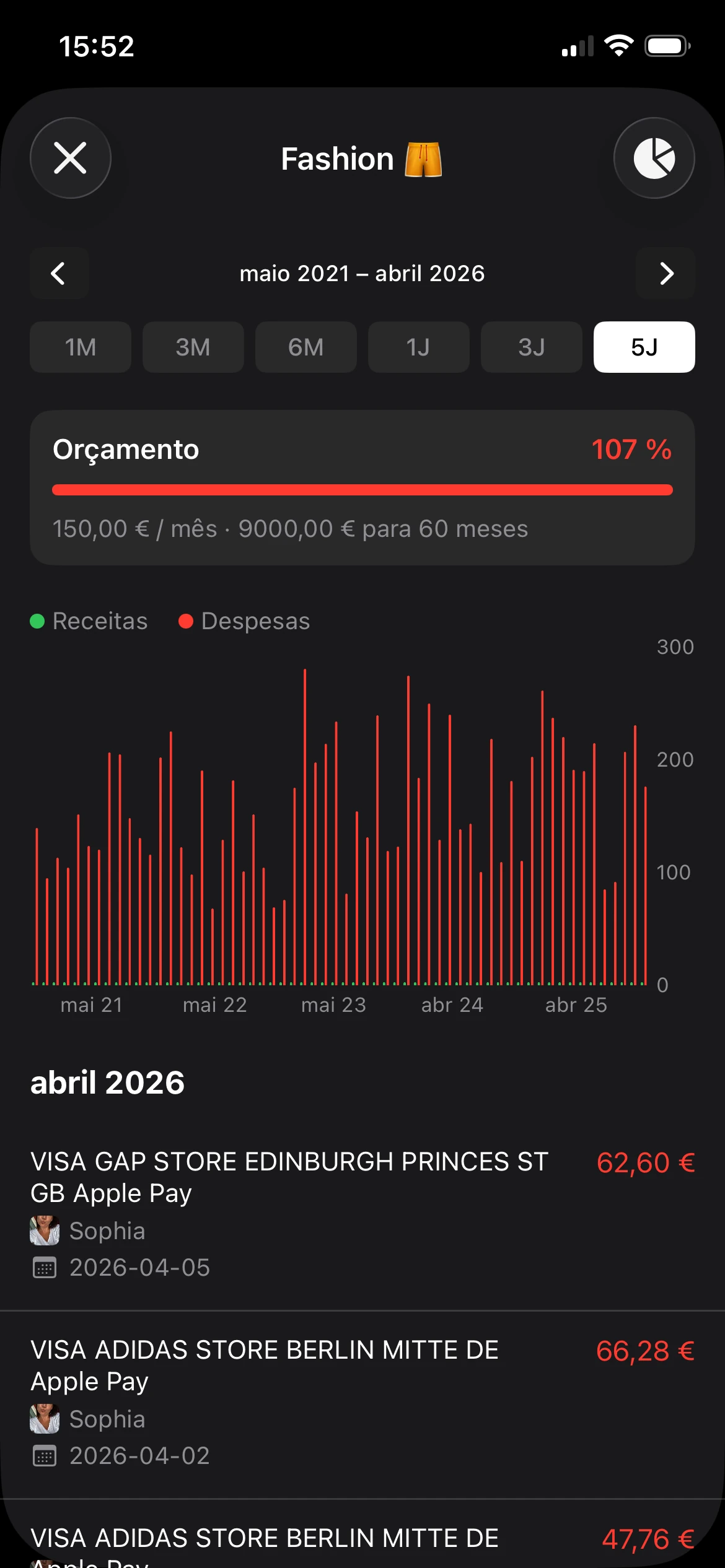
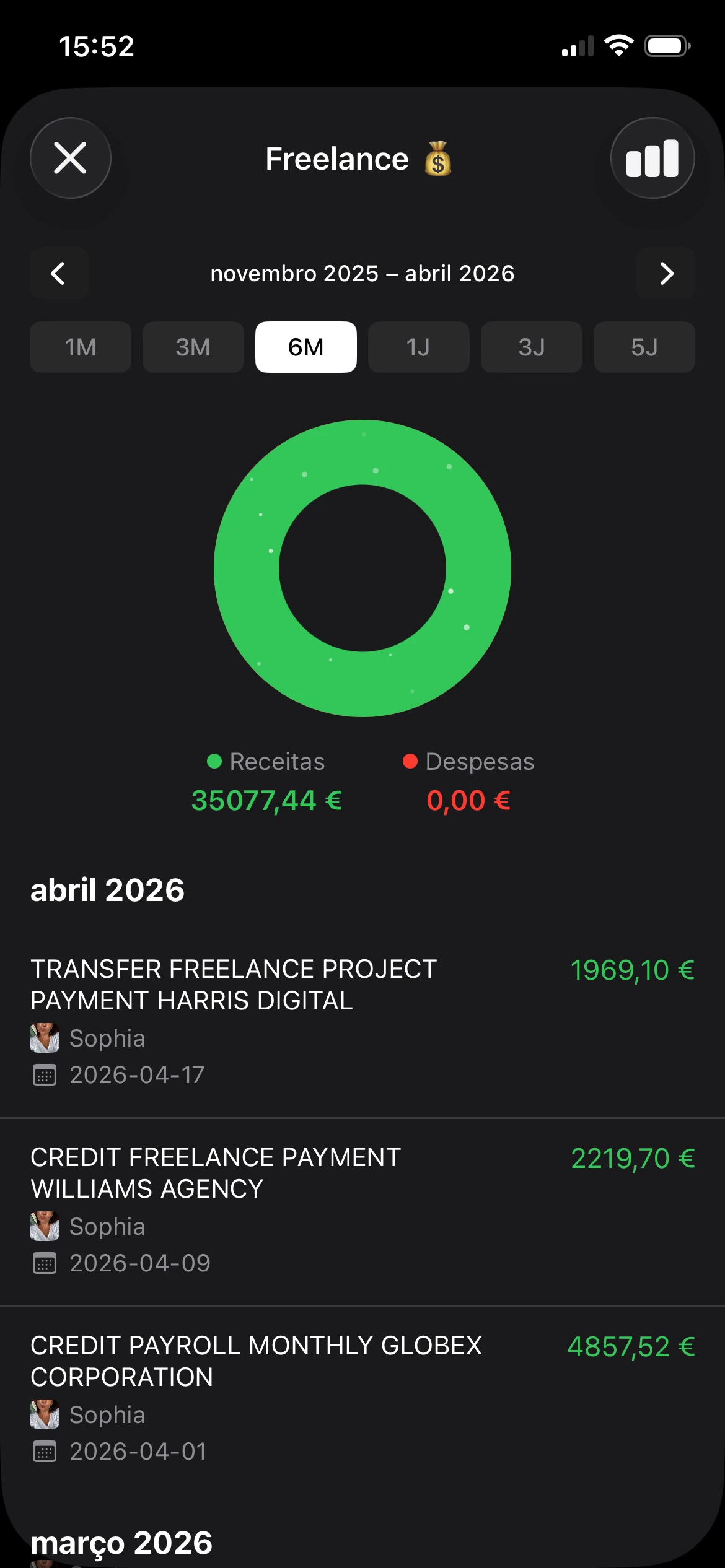
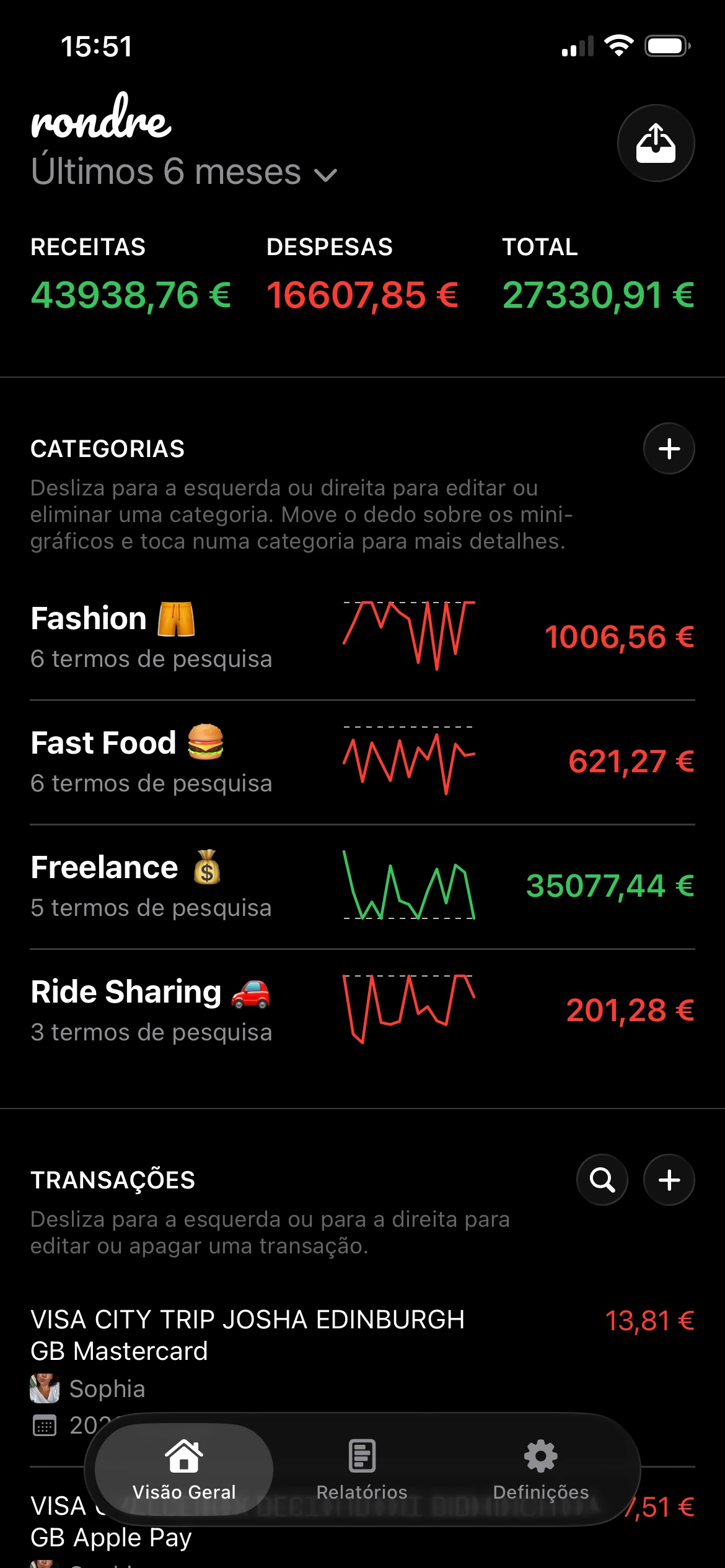
Uma opção é rondre, um tracker gratuito de finanças pessoais para iPhone que permite aos utilizadores registar rendimentos e despesas, criar categorias personalizadas, carregar ficheiros CSV e extratos bancários PDF, e partilhar um livro com um parceiro ou família. Na prática, uma lista cronológica como essa funciona naturalmente como um saldo corrente pessoal, porque cada transação adicionada atualiza a história da conta.
Porque o acompanhamento partilhado é importante
O dinheiro partilhado acrescenta outra camada de confusão. Uma pessoa compra alimentos, outra paga uma conta de serviços, e ambas assumem que a outra tem o número mais recente em mente. É assim que os saldos se afastam da realidade.
Um registo partilhado ajuda porque todos veem o mesmo fluxo de transações. Mesmo quando o saldo disponível do banco ainda precisa de ser verificado separadamente antes de gastar, o lar pode pelo menos concordar sobre o que já foi registado e a que categoria pertence.
Regra do lar: quanto mais depressa cada pessoa regista uma transação, mais útil se torna o saldo corrente para todos.
Isto importa para casais, famílias e qualquer pessoa que separe despesas pessoais e de projeto. Nesse ponto, um saldo corrente não é apenas um termo financeiro. Torna-se uma ferramenta prática de coordenação.
Perguntas frequentes e conclusão prática
Consulta a sua conta de manhã, vê um número, compra café e combustível, e depois repara que o banco mostra algo diferente à tarde. Isto geralmente acontece porque um saldo é uma contagem em movimento, enquanto a sua verdadeira decisão de despesa depende de que dinheiro está pronto para ser usado.
Algumas situações continuam a confundir as pessoas. Reembolsos chegam muitas vezes dias depois da compra original. Pagamentos programados podem aparecer na sua lista antes de o dinheiro sair da conta. Algumas apps também permitem ver itens pendentes ou futuros ao lado de itens contabilizados, o que altera o total corrente que vê no ecrã.
Um saldo corrente funciona como um quadro branco em que cada nova linha altera o total. O detalhe é que algumas linhas são finais e outras apenas provisórias. Se não souber que tipo de linha está a ver, o número pode parecer mais certo do que realmente é.
Antes de confiar em qualquer saldo para uma decisão de despesa, pergunte:
- Esta transação foi totalmente contabilizada?
- Estou a olhar para um total histórico ou para dinheiro que posso gastar agora?
Essa pequena pausa ajuda a evitar um erro muito comum. As pessoas usam o saldo corrente como se fosse o saldo disponível para gastar, mesmo que cobranças de cartão pendentes, depósitos atrasados ou contas programadas ainda possam alterar a situação.
A conclusão prática é simples. Mantenha uma lista de transações atualizada. Use-a como a sua contagem corrente do que aconteceu. Depois, mesmo antes de gastar, compare esse registo com o saldo disponível do banco para saber se o dinheiro está pronto para ser usado.
Se quiser um único lugar para registar compras, rendimentos e categorias à medida que acontecem, rondre oferece aos utilizadores de iPhone uma forma privada, sem registo, de manter essa lista corrente atualizada. Isso torna as decisões financeiras do dia a dia muito mais claras.